About Flash Menu
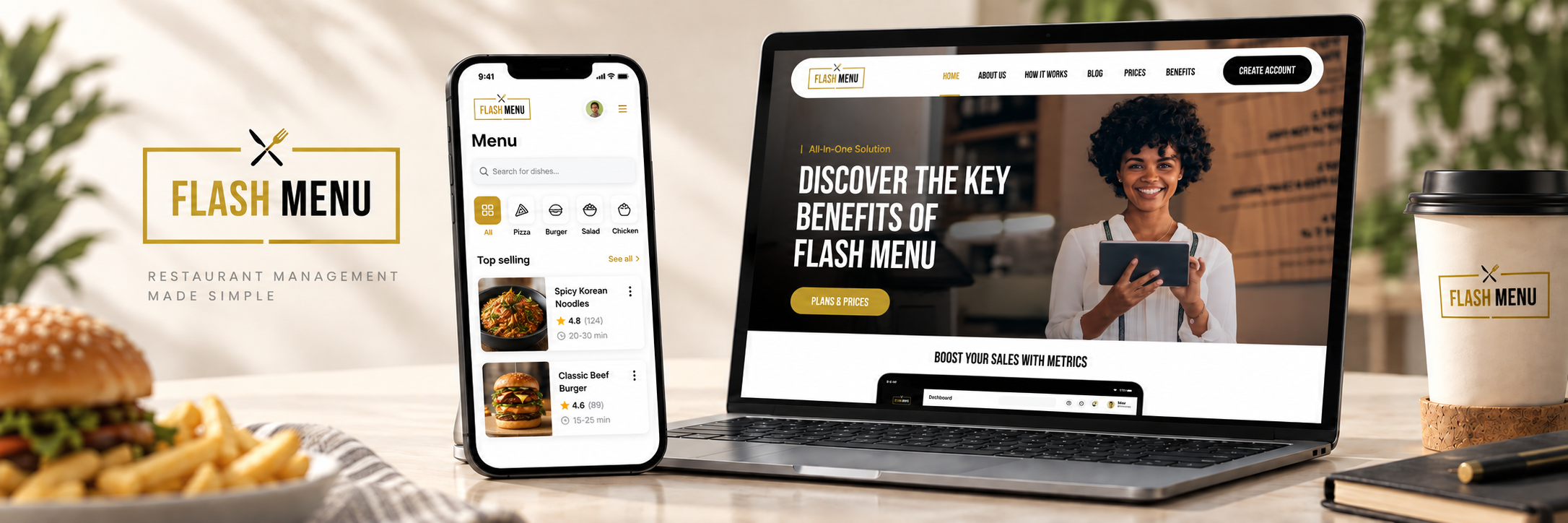
Flash Menu helps customers browse food menus, place orders, and track deliveries from their phones or computers. It brings these steps together so customers can find a meal and complete an order with less effort.
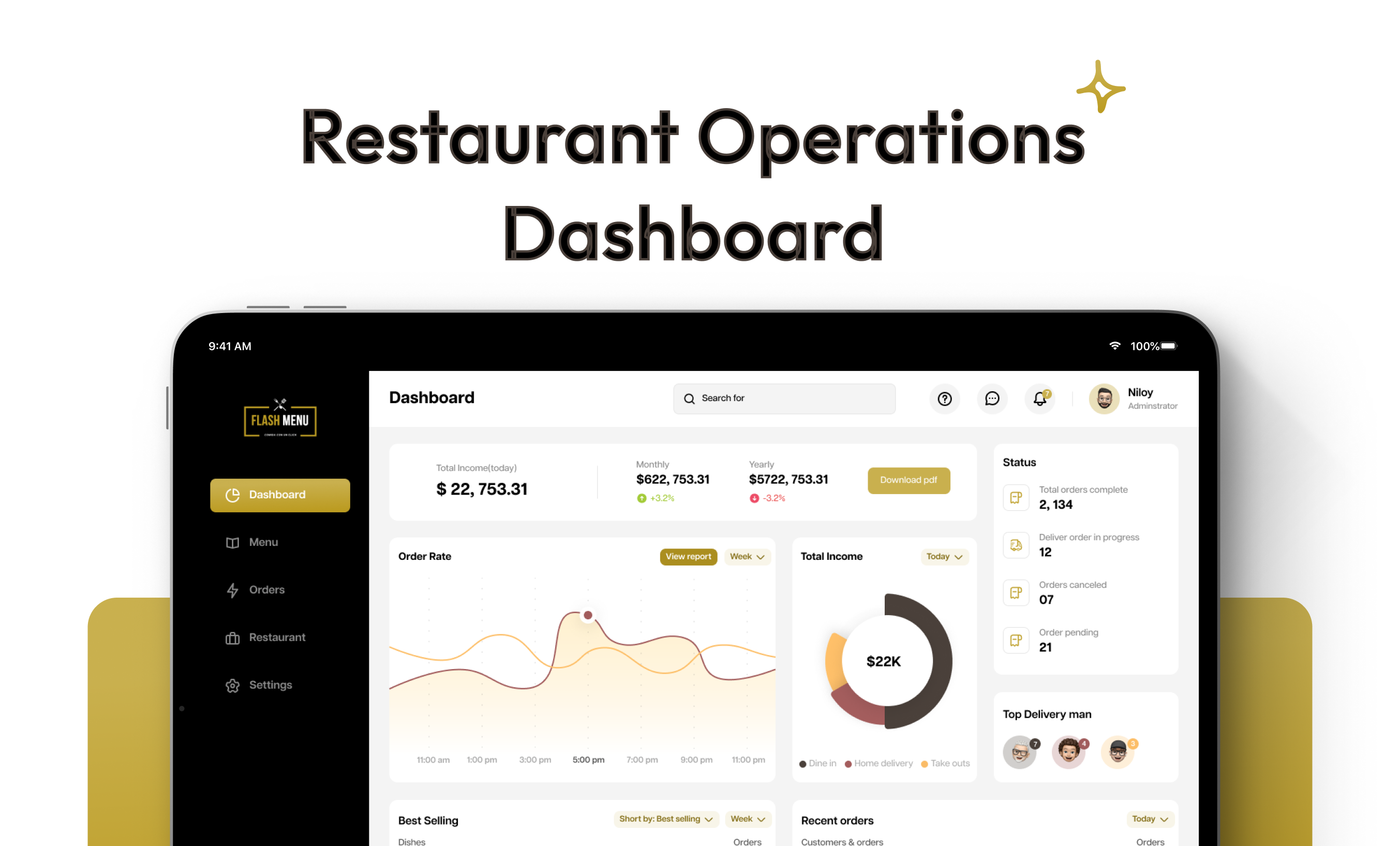
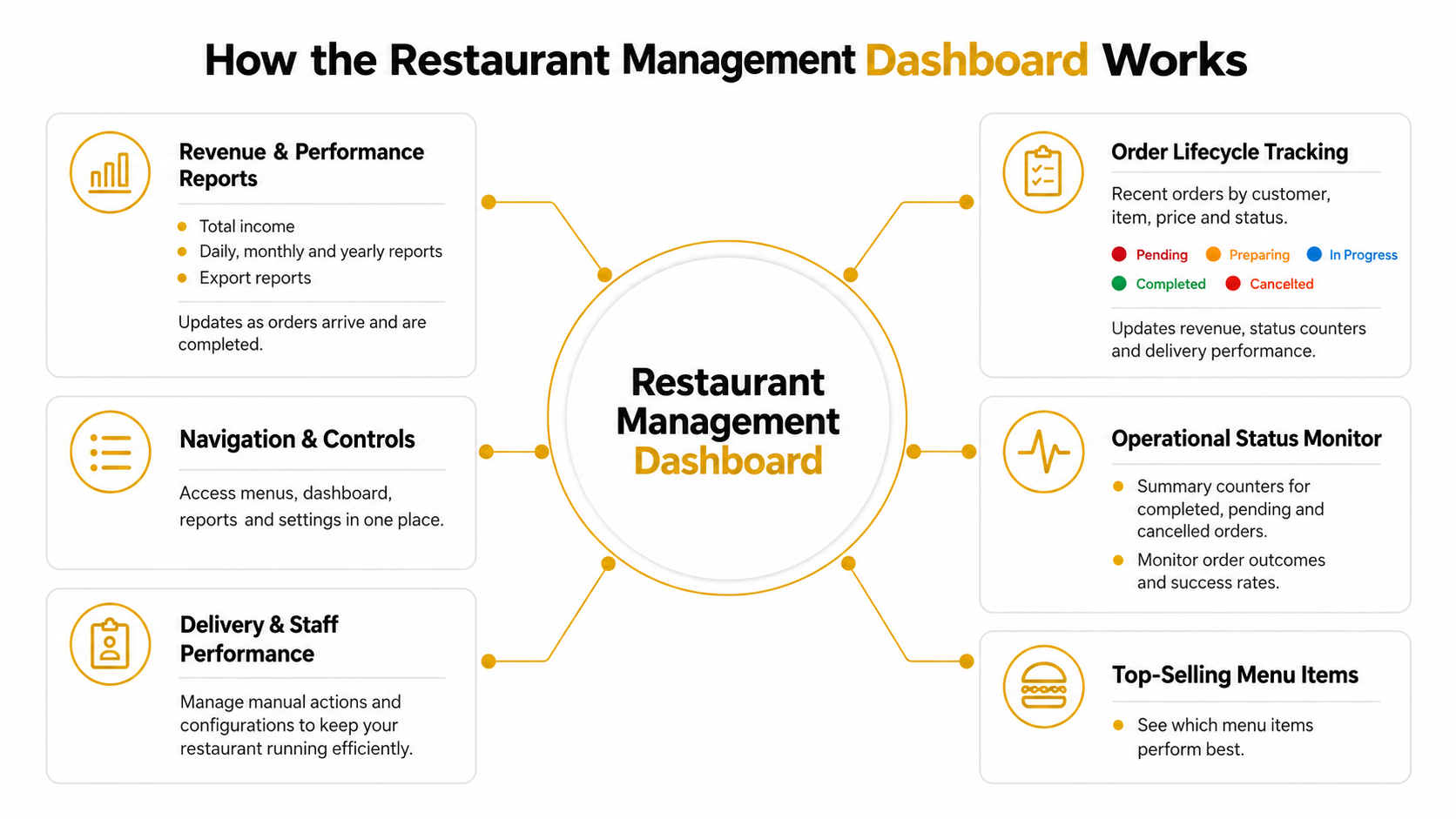
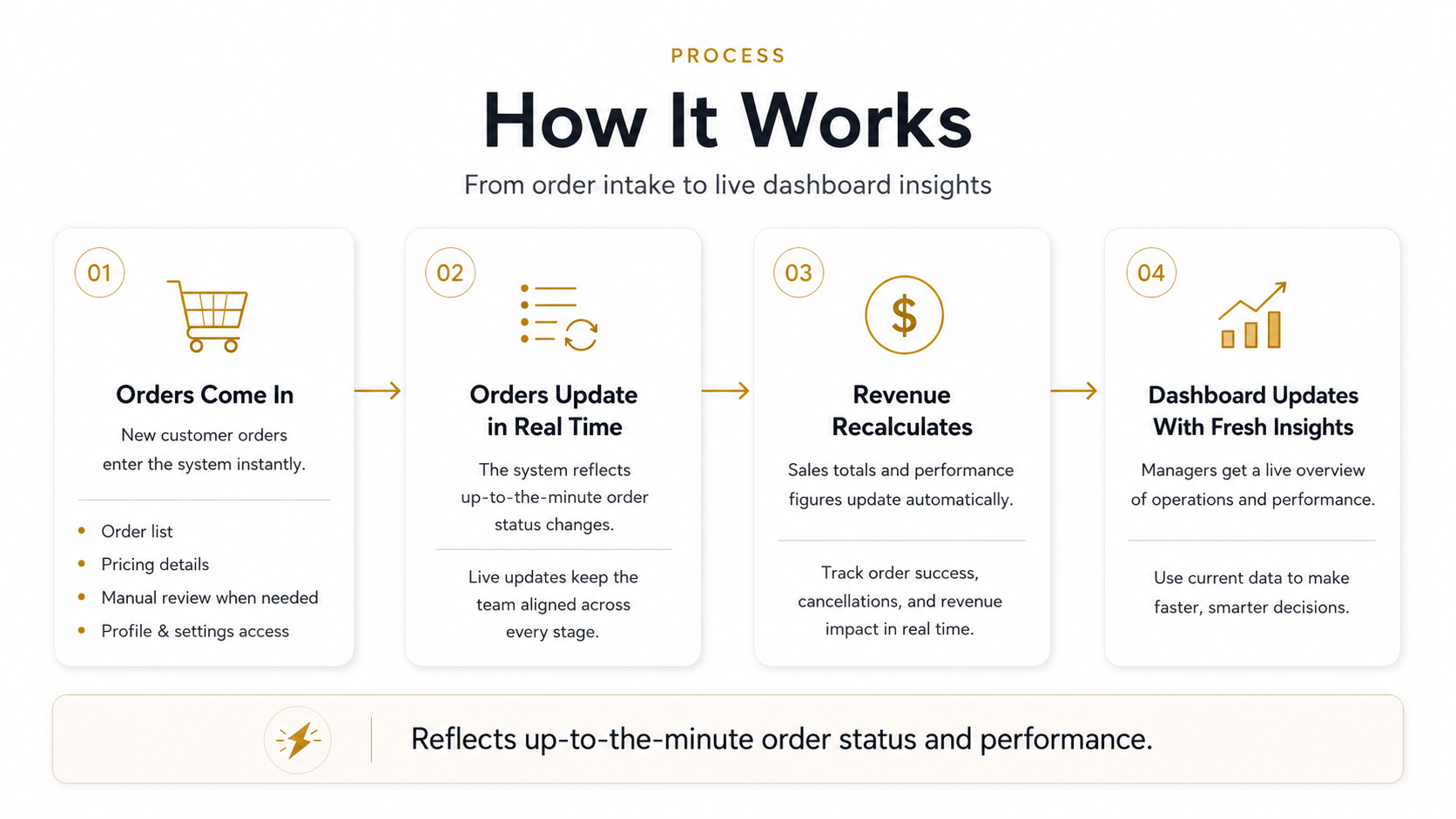
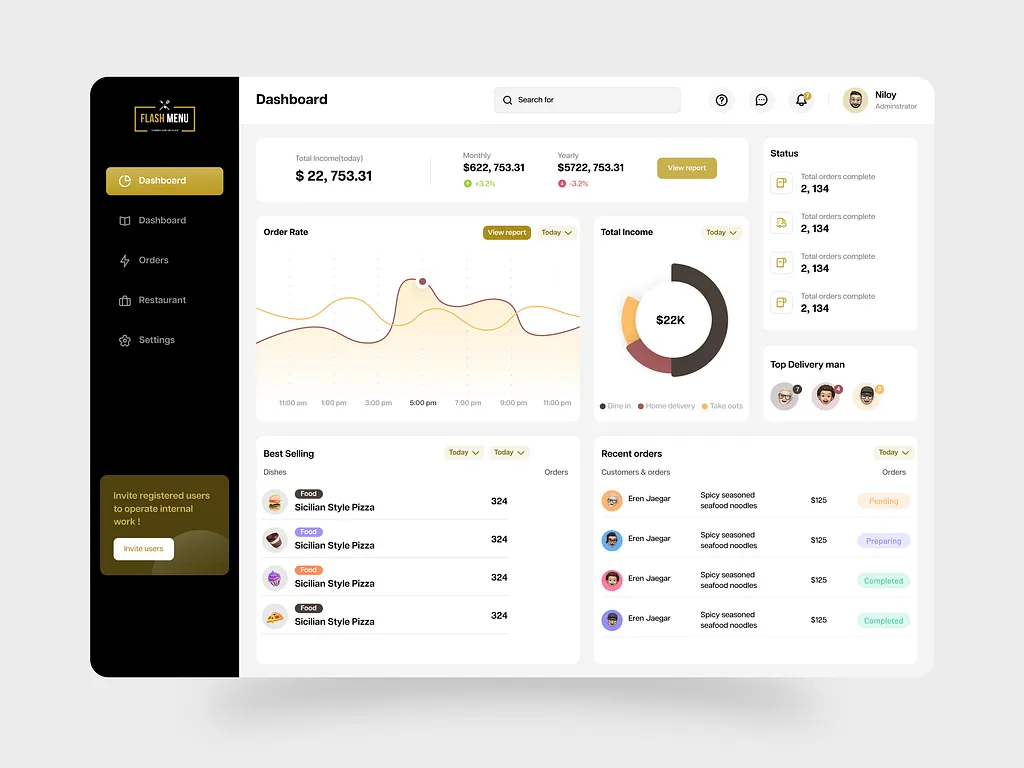
For restaurants, Flash Menu provides tools to update menus, manage incoming orders, and check sales. The dashboard keeps key information in one place to support everyday tasks.
Project Info
Flash Menu
Figma
2025
Admin Panel, Web App & Responsive
What the Platform Does
- Browse Menus:
View dishes by category, with images and prices.
- Place Orders:
Easy and quick order placement with real-time updates.
- Track Deliveries:
Real-time tracking of your food delivery status.
- Manage Account:
Update preferences, payment methods, and personal information.
- Customer Support:
Get help with any issues or questions you may have.
- Review Sales:
Check income, order totals, and popular dishes.
Problem
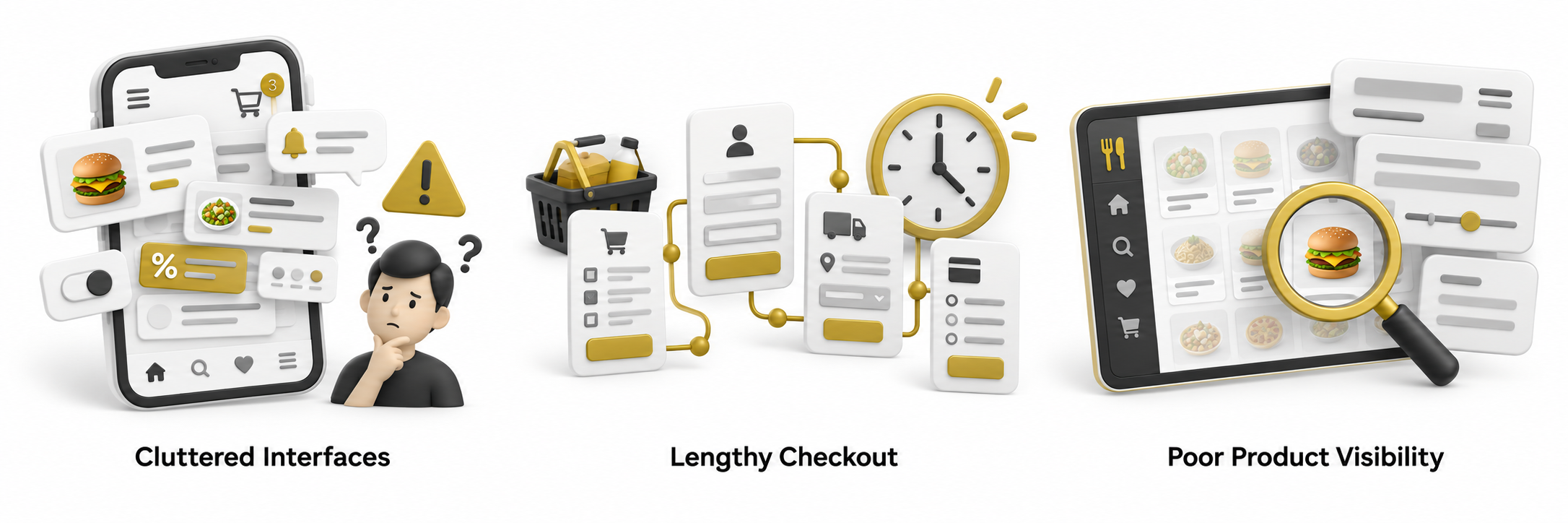
Crowded screens make menus difficult to browse, while unclear food images and details make it harder to choose a meal. Once customers decide, a lengthy checkout adds more steps before they can place an order.
Flash Menu aims to address these problems with clear menu categories, visible dish information, and fewer steps from choosing food to completing an order.
Research & Discovery
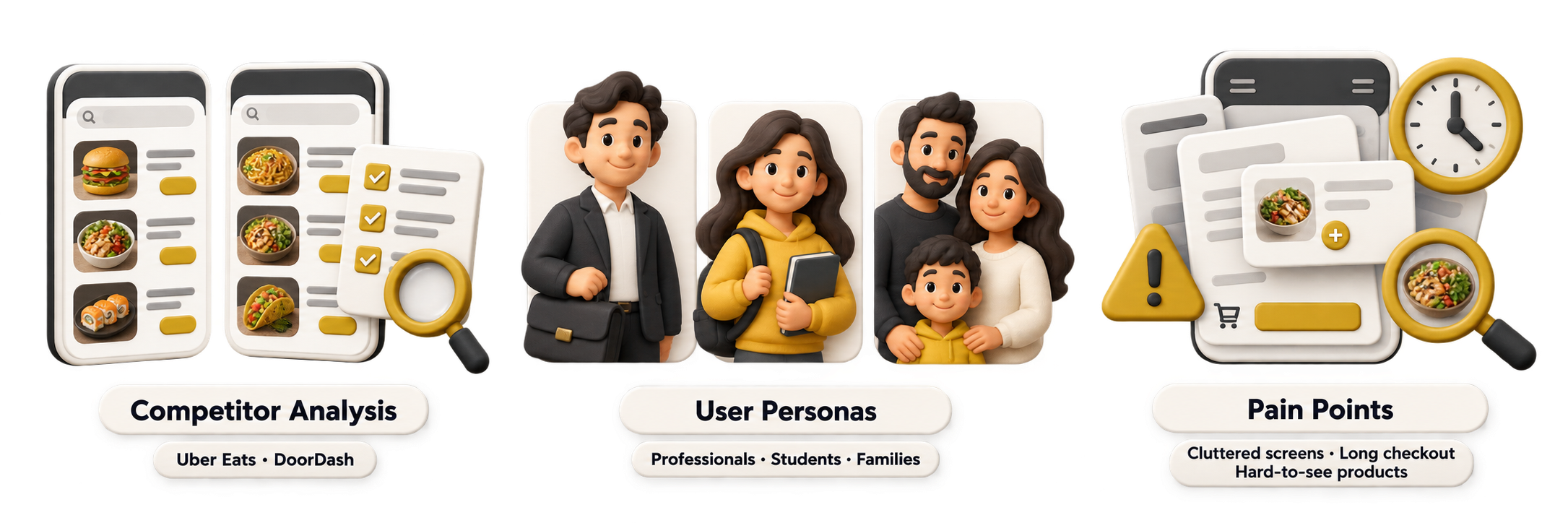
Research focused on Flash Menu’s own ordering process and the needs of its customers and restaurant team.
The aim was to understand what made finding food, placing orders, and managing daily tasks difficult, then use those findings to improve the platform.
UX Design
The UX design makes it easy for customers to browse the menu, place an order, and track its progress. Clear steps help them find what they need and complete an order with fewer taps.
A simple onboarding process helps new users get started quickly. Straightforward navigation keeps the experience easy to follow from the first visit through checkout.
UI Design
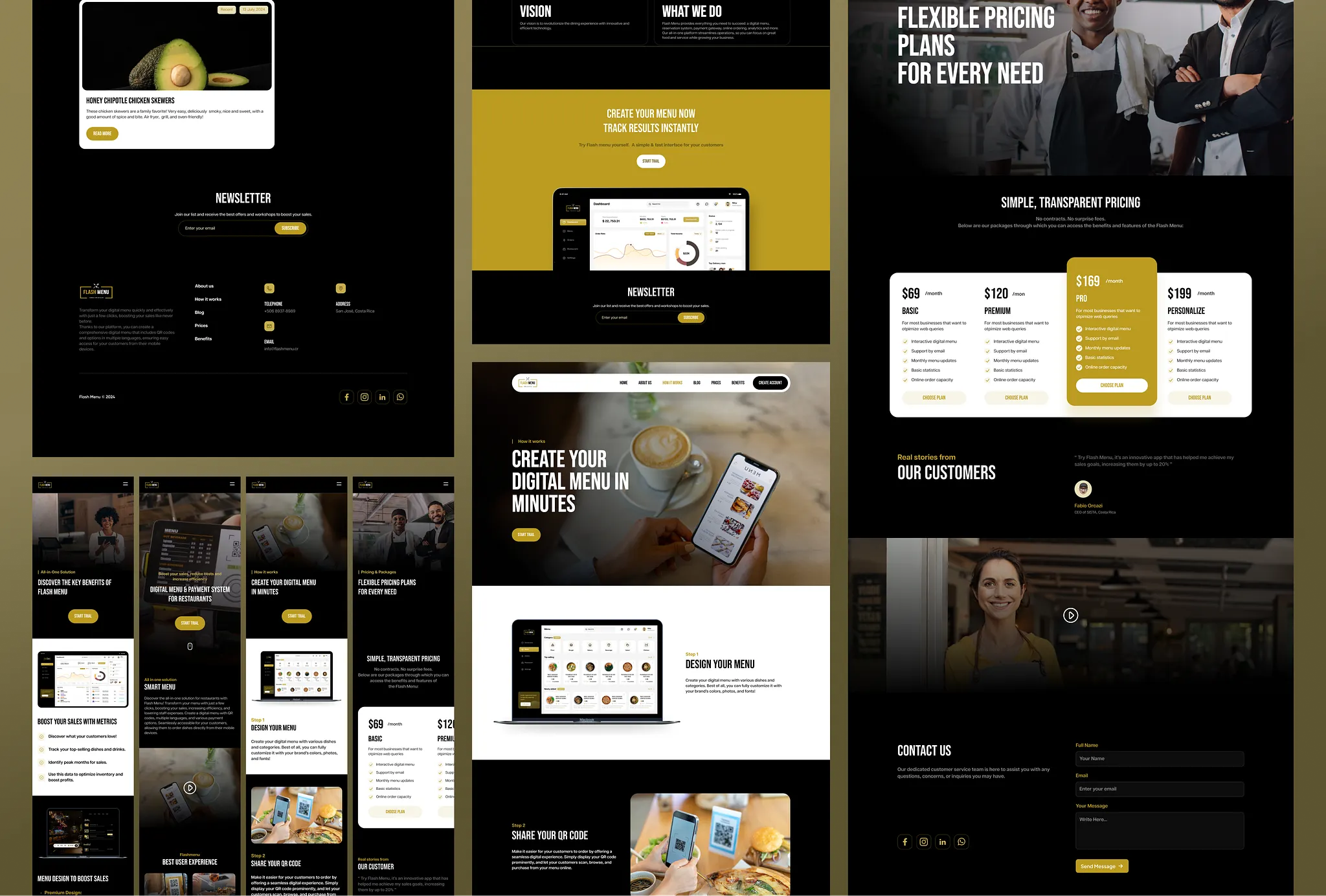
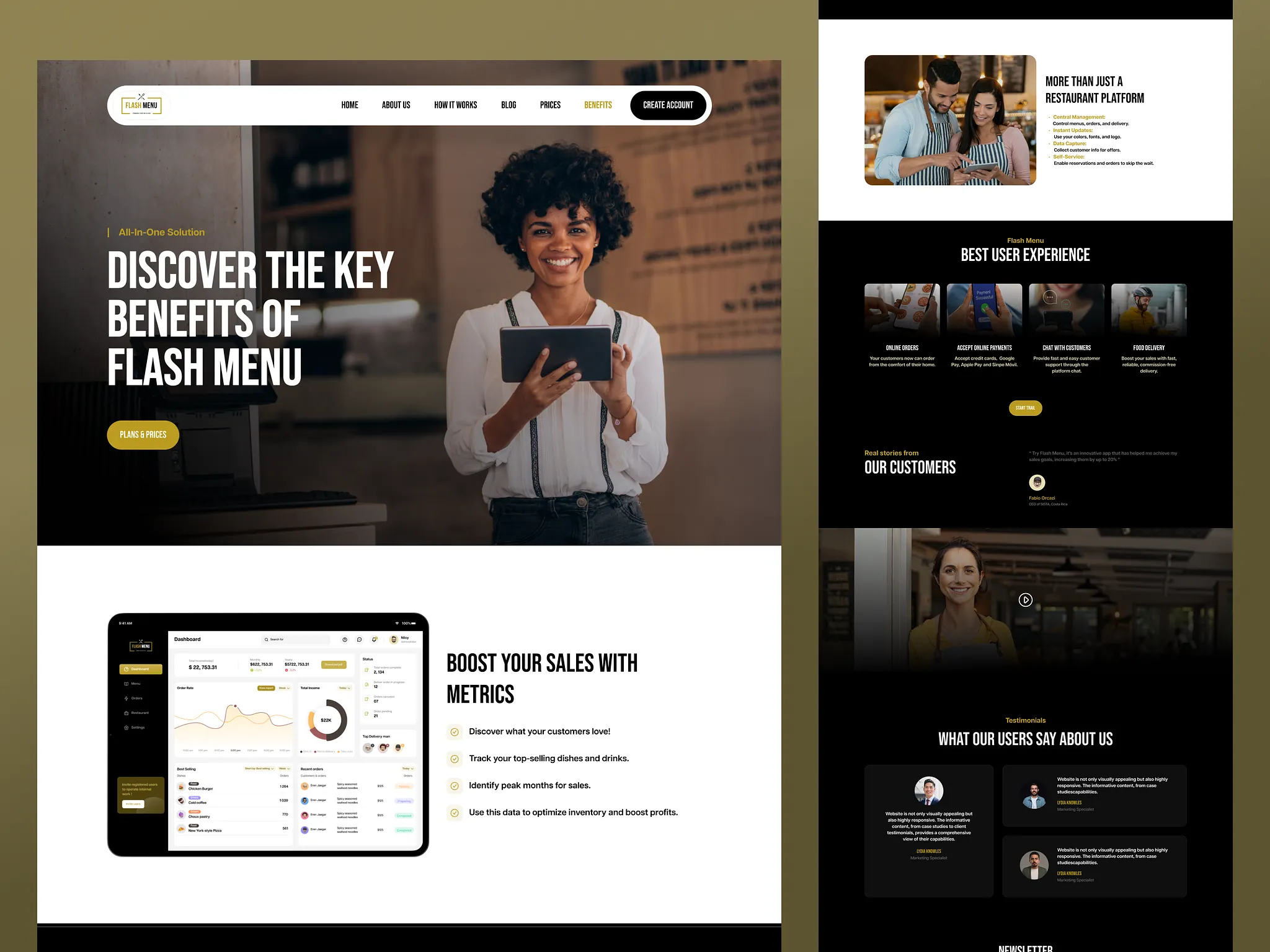
Flash Menu’s interface brings together its logo, vibrant orange colors, and clear icons to create a consistent look. The layout adapts to mobile and desktop screens, keeping content easy to read and controls easy to use.
Reusable buttons, cards, and other design elements keep the pages consistent. These shared elements also make it easier to add new features while maintaining the same visual style.
Final Design & Handoff
The design received positive feedback for its clear layout, use of color, and well-organized content. Key information and actions stand out, making each page easy to follow.
Consistent styling across the website and dashboard gives Flash Menu a modern, unified look. The design balances everyday tasks with a bright visual identity, keeping the experience practical and welcoming.